How it works
Six steps, one secretary
Welya is opinionated about the flow of academic information: it should be captured once, understood by a machine, confirmed by you, and planned around your real timetable.
Capture
Email, message, PDF, screenshot or a quick paste — everything lands in Welya's Inbox.
Paste a message, upload a PDF or screenshot, or type a note. Later, connected Gmail and LMS accounts will feed the inbox automatically.
Understand
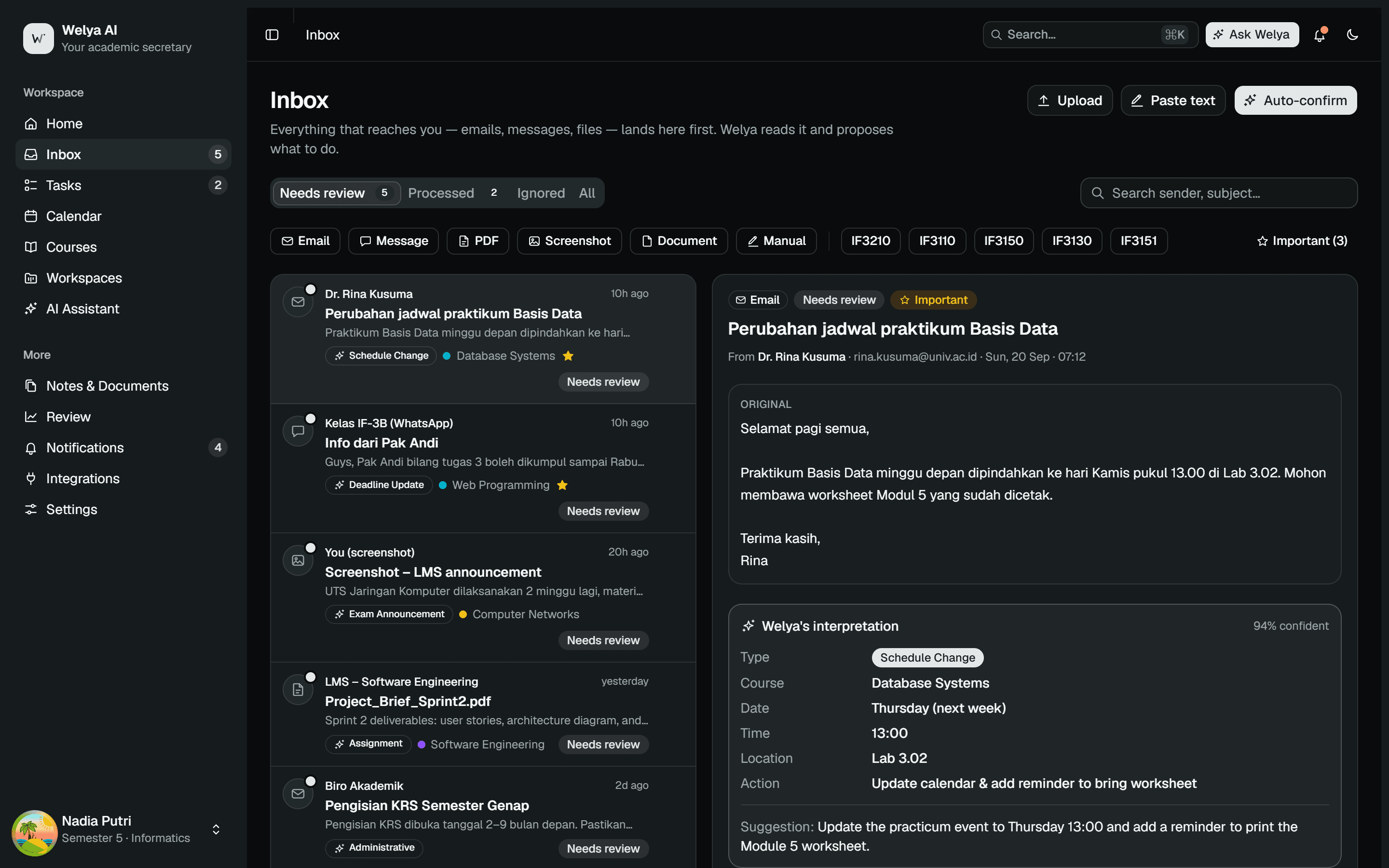
The AI reads it and identifies the type, course, date, time and the suggested action.
Welya extracts the type, course, dates, times and requirements, and shows a confidence score. Low confidence? It tells you to double-check.
Organize
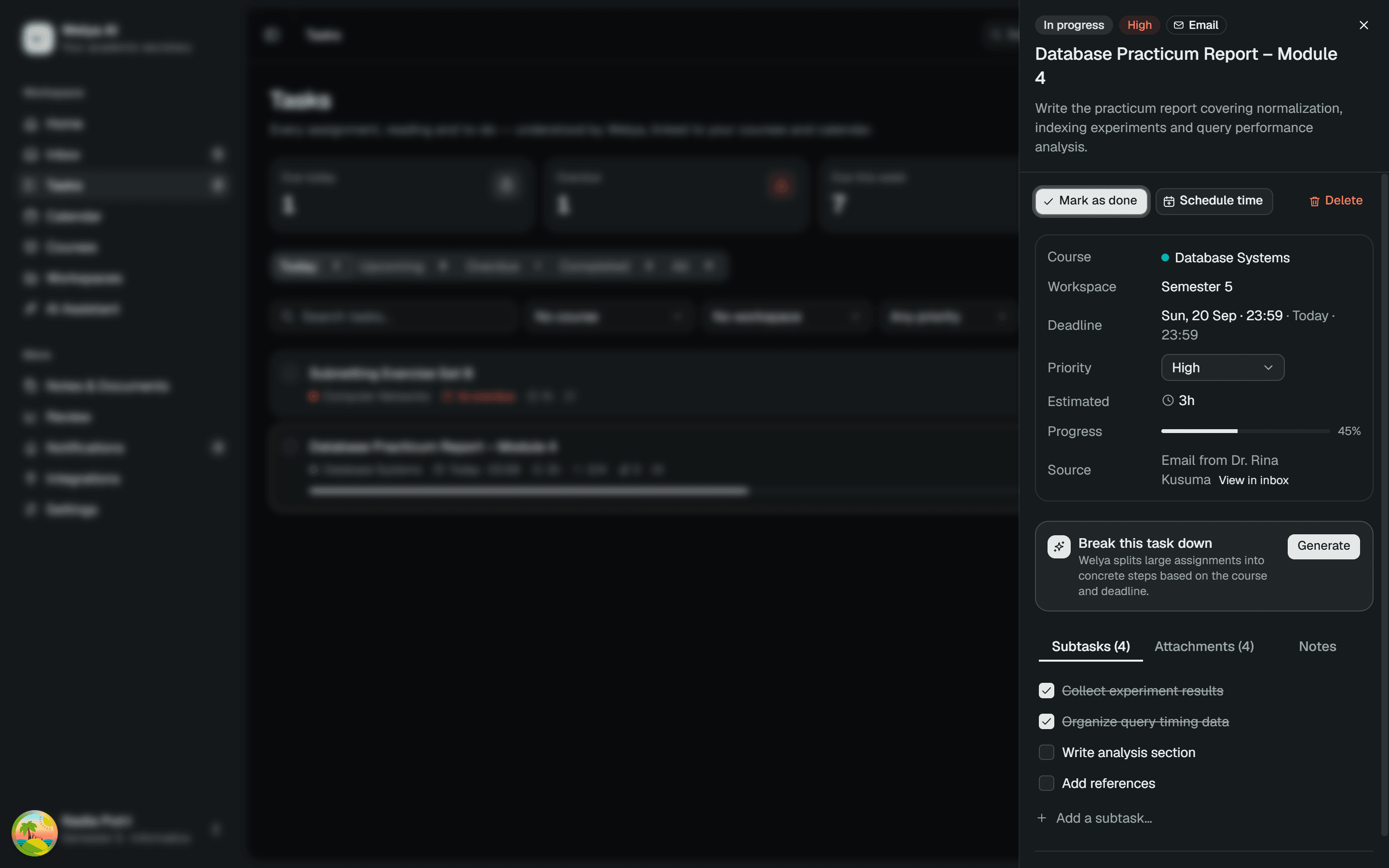
You confirm; Welya creates linked tasks, events, reminders or notes.
One click creates a task with subtasks, a calendar event, a reminder or a note — all linked to the course and to the original message.
Plan
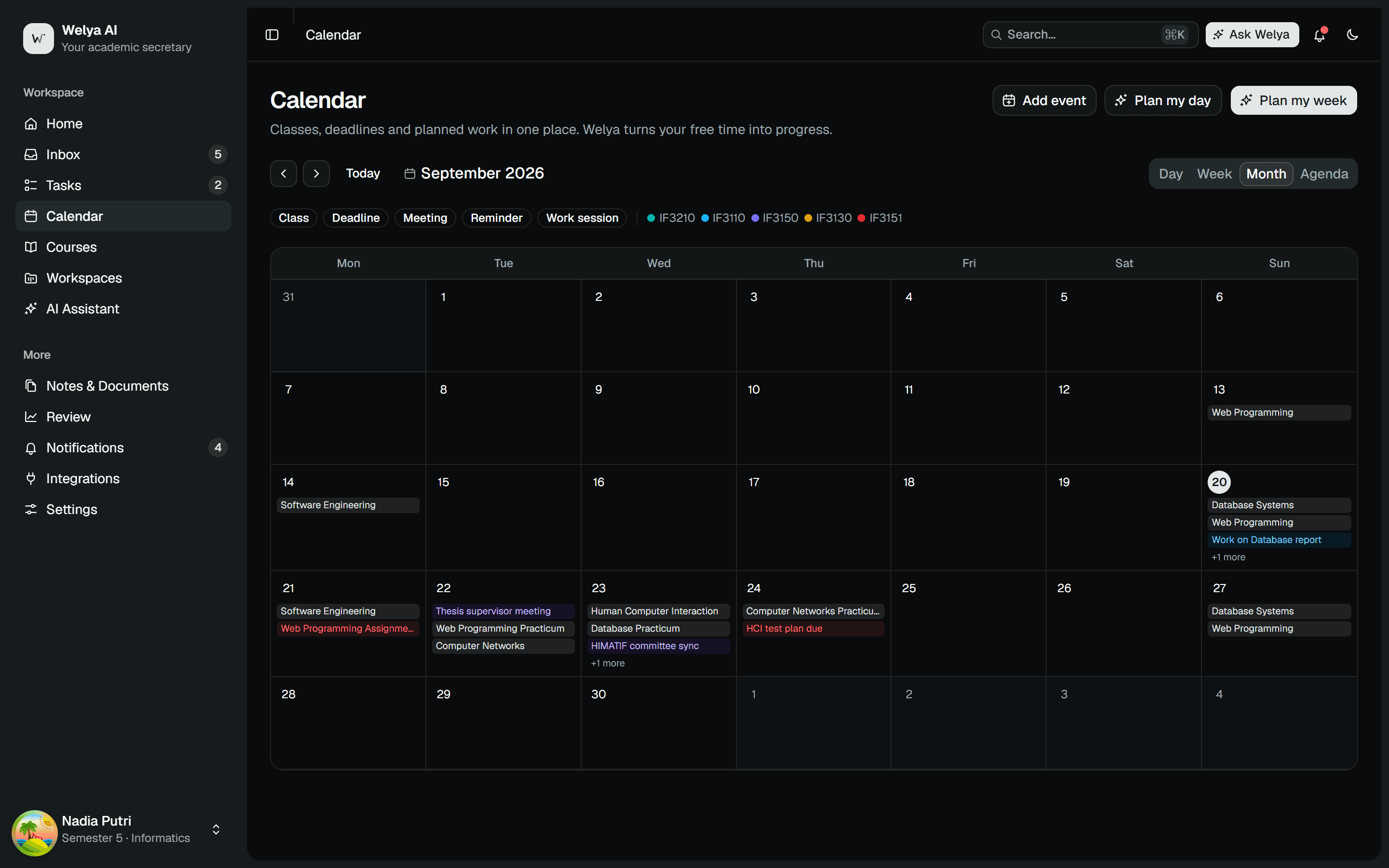
Welya finds free time between classes and schedules focused work sessions.
Plan my day / Plan my week look at 08:00–18:00, find hour-long gaps between classes, and propose sessions sized to each task's remaining effort.
Act
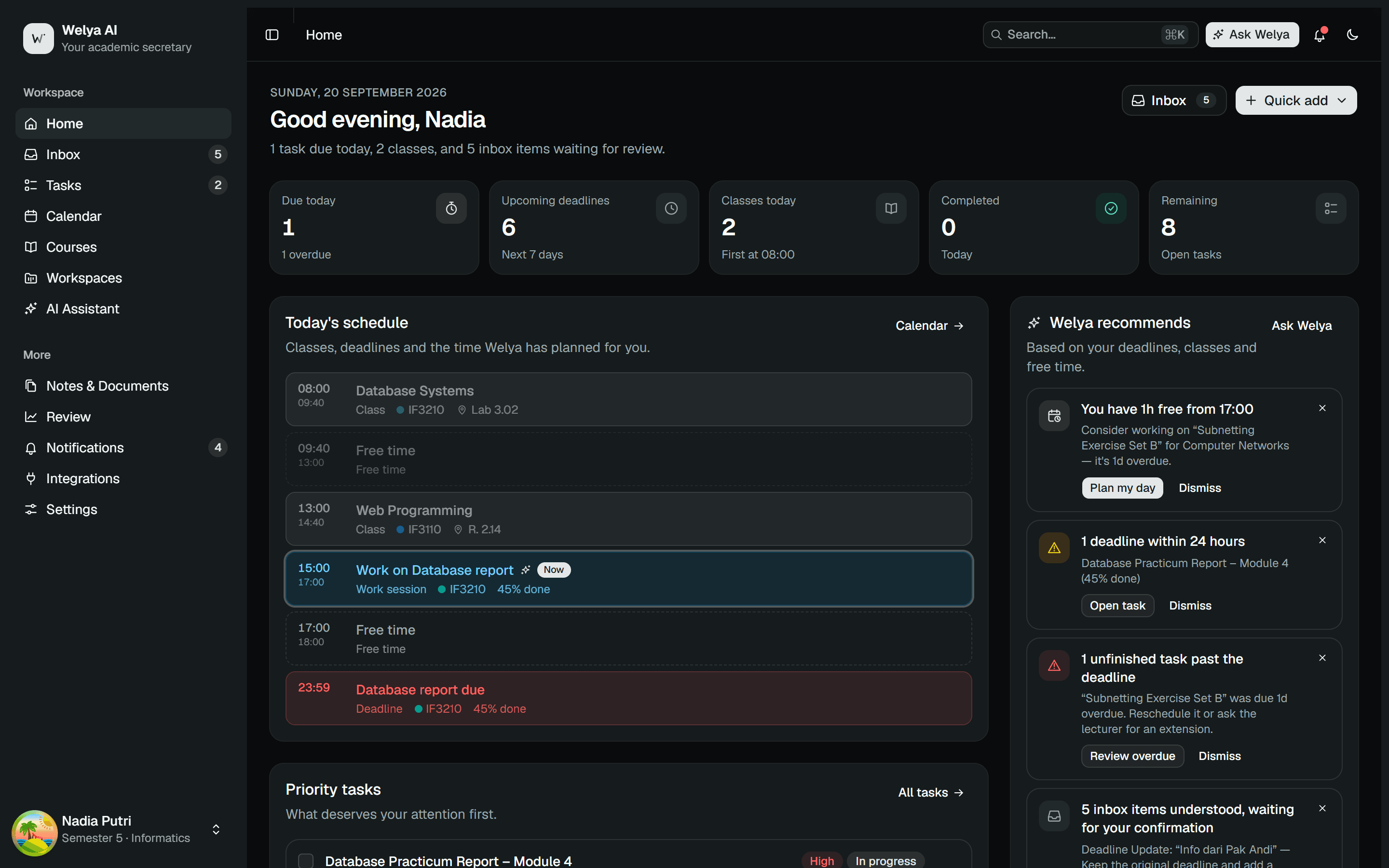
Work from a prioritized list; split big tasks into checkable subtasks.
Work from the dashboard's priority list. Tick subtasks, schedule more time, or ask Welya what to do next.
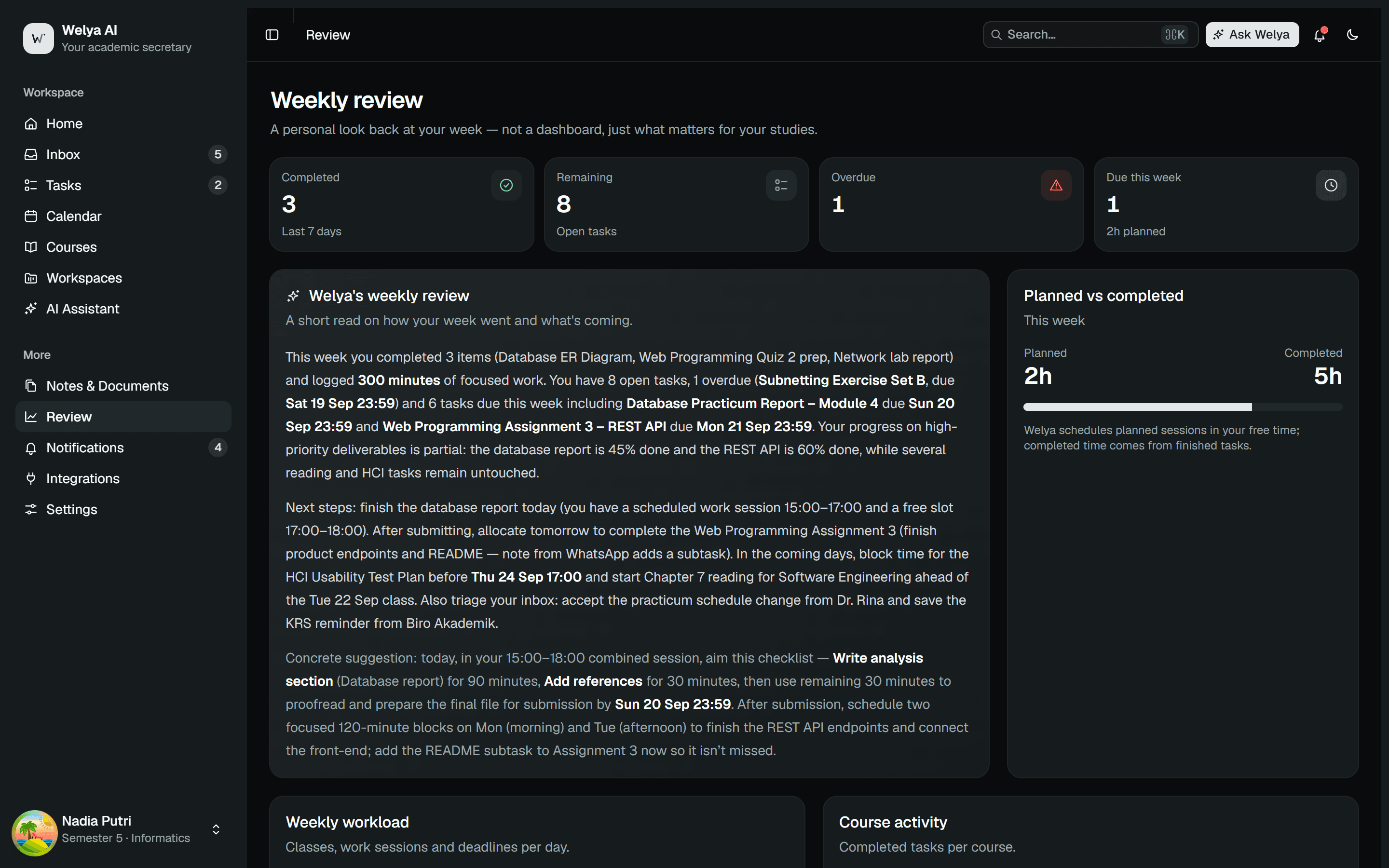
Review
End the week knowing what you achieved and what's coming next.
The weekly review reports completed vs remaining work, your busiest day and course, and one suggestion for the week ahead.
Under the hood
Deterministic where it should be, generative where it helps
Planning free time is an algorithm: it respects your classes, task durations and priorities exactly. Understanding messages and writing summaries uses a language model — constrained to your data and validated before display.
Let Welya handle the secretarial work.
Completely free for students. Web and desktop.